Switching to Pathway
Bring your practice across. Leave with everything, any time.
Clients from a spreadsheet, documents from a zip, duplicates skipped. A first month that runs beside your old system. And every record and document in one zip whenever you want to go.
Before you switch: get the export
Ask your current vendor for a full export before you sign anything new, and look at it. You want clients with every field, one row per person; applications linked to the client; dates (deadlines, visa, passport and test expiries); documents, ideally a folder per client; notes and history, even as text; and invoices if you'll keep billing in Pathway. If something is missing, ask in writing: your agreement may say what you're entitled to.
Ten things to check before you give notice
- The term and notice period, and whether it renews automatically. A 12 or 36-month term may mean paying out the rest.
- What the agreement says about your data: who owns it, what you can export, in what format, and for how long after the end.
- What a full export contains. Ask for a sample while you're still a customer. A list of client names isn't an export of a practice.
- Documents in their original form, in a folder per client.
- The history: file notes and activity. If they can't be exported, keep a PDF of each open client's file at least.
- The files you must keep. Records must be kept for the period the Code requires after the last action on a file, closed files included. Make sure the export, or read-only access, covers them.
- Agreements and Consumer Guide records, with their dates and the text accepted.
- Money: what's owed either way, and client money held in trust, which stays in your trust account.
- Integrations: accounting, calendars and email that point at the old system.
- The cut-over day, and who tells clients what changes for them.
The import
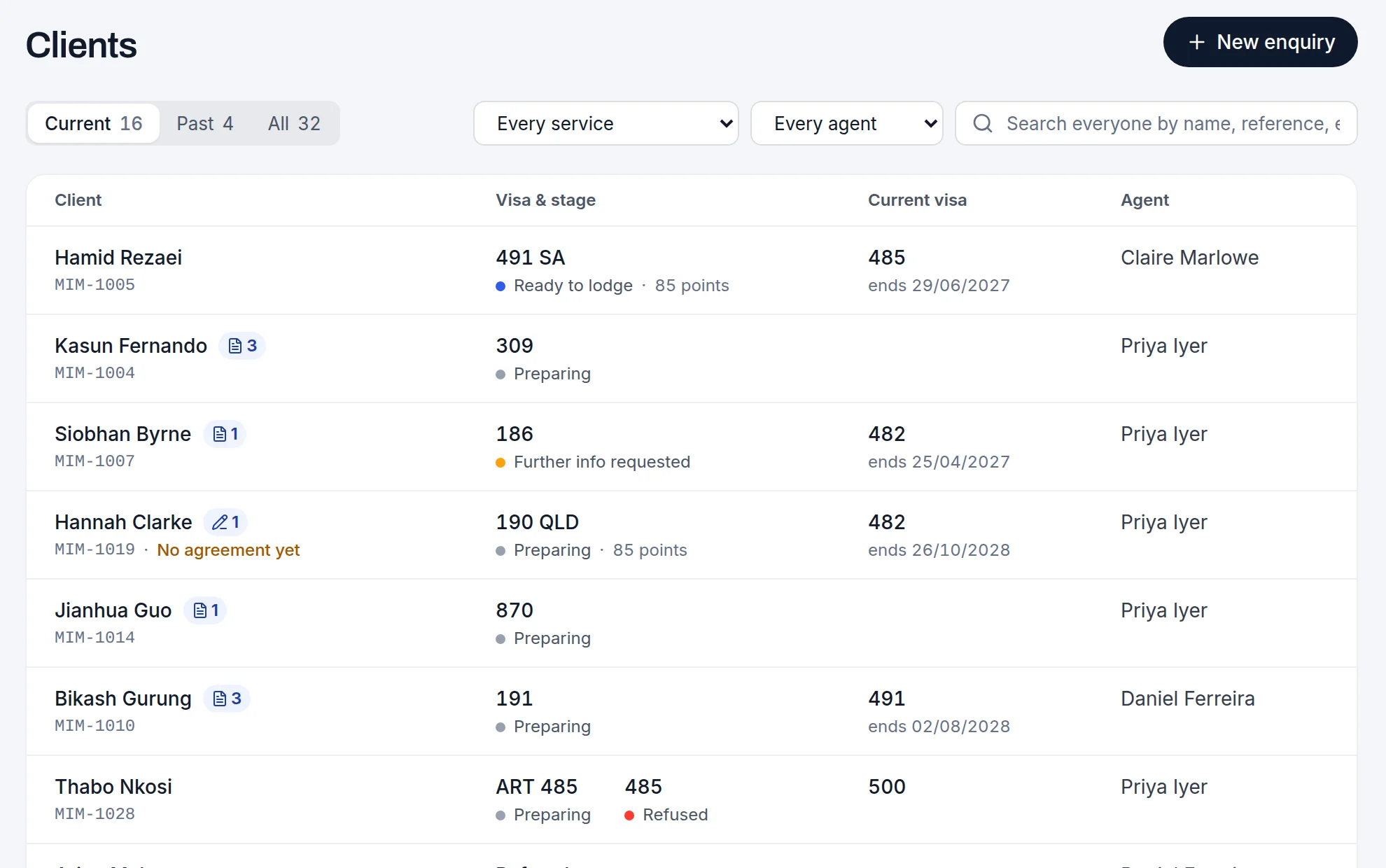
Clients from a spreadsheet. Export from practice software, a CRM or a spreadsheet as CSV or Excel. Pathway matches the columns to its own fields by the names systems commonly use (name, date of birth, email, phone, citizenship, current visa, occupation, source, stage, notes), and you confirm each match before anything is created. People already in Pathway are skipped, so you can import again safely. A row with a visa application on it opens one, with its subclass, stage, TRN, lodgement date and fee. Up to 5,000 rows go in one upload.
Documents from a zip. A folder per client, named with something the import can match, and each folder's files land on the right client. Each file is checked by its contents; a folder Pathway can't match is listed for you to sort out.
Clean first. Older exports often hold the same person twice: an enquiry that became a client, a returning client, a typo in an email. Sort by email, then by name and date of birth, and merge before you import. Split one "Name" column into first and last name, convert dates written as text, and put custom fields you don't need into a note.
| Coming from | What usually changes |
|---|---|
| Spreadsheets | Dates and next steps become rules on Today instead of colour coding; one row per person, applications under them |
| A CRM | Enquiries keep their history; engaged clients get visa applications, checklists and the portal |
| Desktop practice software | Documents come across as files; invoices, file notes and history stay in the old system's export |
The first month
Day 1. The owner sets up the practice (name, phone, email, two-step sign-in), then in Settings: the logo and colour that appear on the questionnaire, portal, letters, invoices and emails; the agreement for services and fees; the team, invited by email with access set for each person; the enquiry form on your website; each person's calendar feed.
Week 1. Import clients and documents. Every new trial starts with one example client, with made-up details, built the way a real enquiry is, so you can see an assessment, an application and documents before adding your own.
Weeks 2 to 4. Start new enquiries and applications in Pathway, and keep the old system for files already under way until you trust what you see. Switch on the workflows your practice uses, and let Today build the morning list.
Day 30. The trial ends. Choose a plan and billing starts; don't, and nothing is charged, access pauses, and your data is kept so you can pick up where you left off. The owner is emailed 7 days and 1 day before.
Leaving Pathway
The practice owner can download everything as one zip from Settings at any time: every record as JSON, clients also as CSV, and every document, foldered by client and application. The export is recorded in the audit log. Monthly plans have no contract: tell us before your next billing date and you won't be charged again.
What we help with
Setting up, your import, and questions as they come up, by email from the contact page. Pathway doesn't give immigration advice, and we don't move trust accounting.
What it doesn't do
There's no live connection to other practice software: the import is a file you upload. Invoices, file notes and history from another system don't come across as Pathway records; keep the old system's export for those.
Bring one enquiry. See what Pathway sees.
A 30-minute demo on an enquiry from your practice, names removed: the assessment, its place in the queue, and when Pathway would bring it back.
Live on 1 December 2026. Every practice starts with a 30-day free trial.
OneFifty. Beyond the ordinary.