Pathway AI
AI that works inside the rules. Never instead of them.
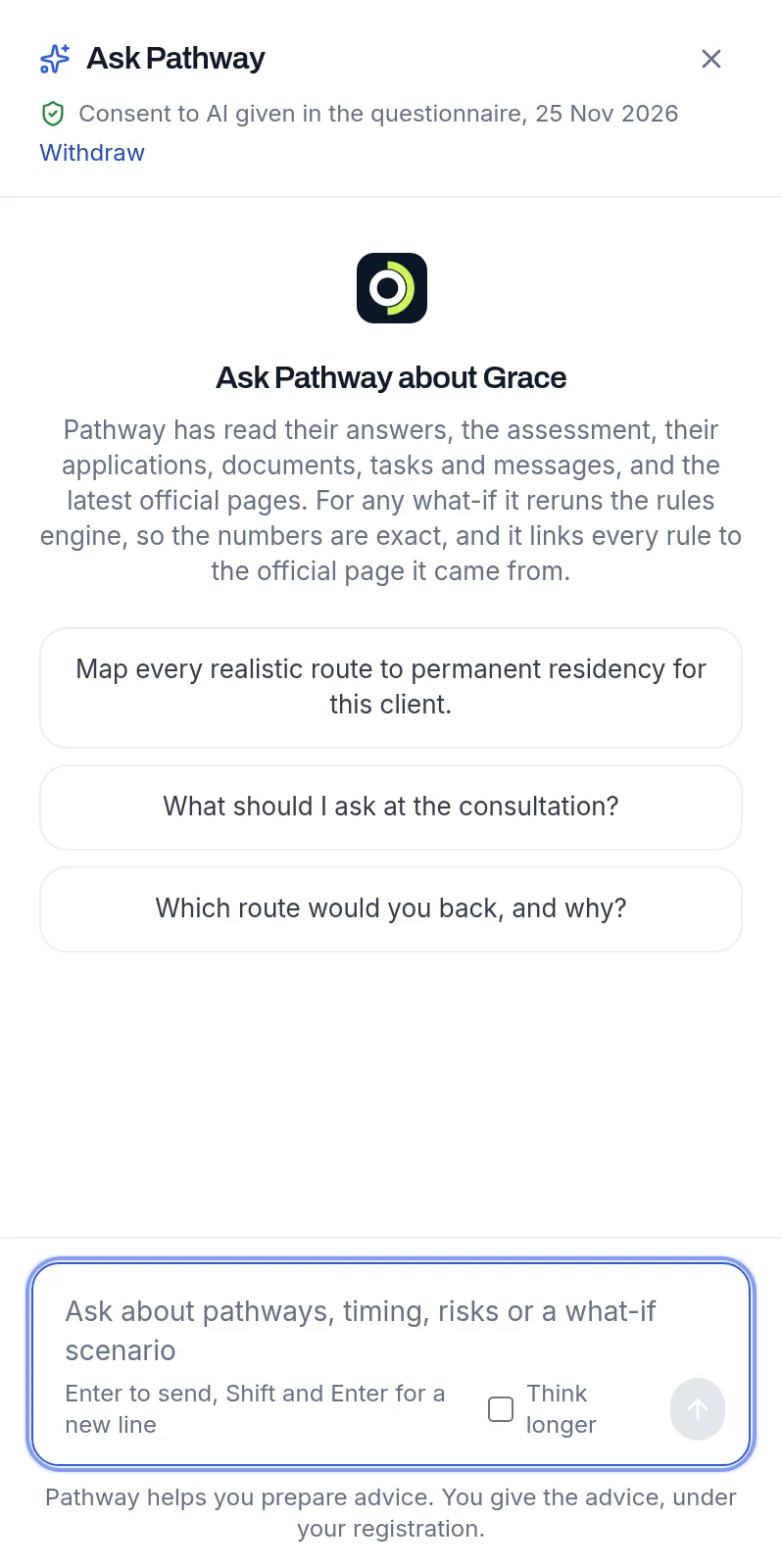
Pathway AI has read the client's file and the official pages Pathway watches. It reruns the rules engine for every what-if, drafts for you to approve, and works only for clients who consented in writing.
Its limits come first
No AI in the assessment. Points and eligibility come from the rules engine. When you ask a what-if, Pathway AI asks the engine, so the numbers are exact, never estimated.
No AI without written consent. Pathway won't send a client's file to the AI until the client has agreed in writing, in the questionnaire or recorded by you, with when and how. Consent can be withdrawn, and the AI stops.
No AI decisions. A draft is text, never an action. Pathway AI doesn't send messages, change a stage, apply a reading or tick a checklist item. An advice letter must be marked as reviewed by a named registered agent before it can be sent.
No AI on Today, in the client portal, or in the background. It runs only when someone with AI access clicks.
What it does
- Answers questions about the file. What now for a client whose visa ends in 59 days? Which state would nominate them? It has read their answers, the assessment, their applications, documents, tasks and messages, and the official pages Pathway watches.
- Explores every route for a client who's stuck: points, states, a new occupation, an employer, each rerun on the engine.
- Drafts a client email, a document request, a case summary, a checklist, a reply in the message box, and the advice letter, signed with your MARN, for you to edit and approve.
- Reads documents you choose: passports, visa grants, skills assessments, English results, police certificates, CVs, employment references and qualifications, one at a time or up to ten new ones at once. It transcribes what's printed; nothing changes until you tick what to apply. Where a job on a CV was (Australia or overseas) is decided by plain rules from what's printed beside it, and a job with no place waits for you.
Every link checked
After each answer, Pathway checks every link in it. Pages Pathway watches are shown with the date of the copy the AI read. Any other link is marked as not from Pathway's sources, so you know what to verify. Nothing is removed from the answer.
What's sent, and where
Passport numbers, visa grant numbers, skills assessment references, the agent's private notes and the employer's contact details are left out of what's sent from the file: the AI doesn't need them to advise. Reading a passport or a grant is different, because the document itself is sent; that's why it needs consent too.
Client files and documents are stored in Sydney. AI requests are the exception: they go through OpenRouter, outside Australia, to hosts that don't train on what they're sent. The path a question takes is drawn out step by step.
Who can use it
Owners and agents, by default. Staff only if the owner switches it on for them, because only registered agents give immigration advice.
Part of every plan
Pathway AI, advice letters and document reading are in every plan, within a monthly allowance for each registered agent. Failed requests don't count, and the allowance resets on the 1st. No credits to buy.
What it doesn't do
It doesn't advise clients: it helps you prepare advice, which you give, under your registration. It doesn't lodge anything. It isn't a chat window for the whole practice: it lives on the client's file and the visa application, where the work is.
Questions
What does OMARA's guidance ask for? Clients told in advance, written consent before their information goes into an AI tool, and the agent responsible for the advice. The guide to OMARA's AI guidance goes through it point by point.
Can a client withdraw consent? Yes. Before submitting the questionnaire they can untick it; afterwards the practice records the withdrawal, and Pathway AI stops working on that file.
Bring one enquiry. See what Pathway sees.
A 30-minute demo on an enquiry from your practice, names removed: the assessment, its place in the queue, and when Pathway would bring it back.
Live on 1 December 2026. Every practice starts with a 30-day free trial.
OneFifty. Beyond the ordinary.